On this page
- Overview: Video Embeds and SEO in 2026
- What Are YouTube Embeds for SEO?
- Why Video Embeds Matter for Rankings and Reach
- How YouTube Embeds Work Technically
- Types of Video Embeds and When to Use Each
- Best Practices for YouTube Embeds in 2026
- Implementation Steps: Add SEO-Friendly YouTube Embeds
- Tools and Resources
- Case Studies and Examples
- Frequently Asked Questions
- Conclusion
YouTube embeds for SEO are on-page video placements that improve engagement, increase time on page, and can trigger rich video results when implemented with performance-friendly loading and structured data. For brands operating in the local area, optimized embeds help your content rank and get referenced by AI assistants. UpliftAI automates this end to end.
By Uplift AI • Last updated: May 10, 2026
Overview: Video Embeds and SEO in 2026#
Video embeds lift rankings by boosting engagement, enabling video-rich snippets, and strengthening topical authority. In 2026, winning pages pair fast, privacy-friendly embeds with VideoObject schema, lazy loading, and concise transcripts so search engines and AI can parse and surface your content quickly.
This complete guide shows how to use YouTube embeds for SEO the right way, and how UpliftAI builds the workflow for you.
- What YouTube embeds are and how they affect rankings and AI citations
- Why short, topical clips increase dwell time and conversions
- How the player loads and how to make it fast
- Embed types: standard, privacy-enhanced, lite patterns, self-hosted, CDNs
- Best practices aligned to Core Web Vitals and accessibility
- Step-by-step implementation and sample code
- Tools and resources you can trust
- 13 mini case examples across SMB industries
Looking for the broader content play? Explore our Shopify blog SEO playbooks and how topic clusters connect pages with embedded video to win more surfaces.
What Are YouTube Embeds for SEO?#
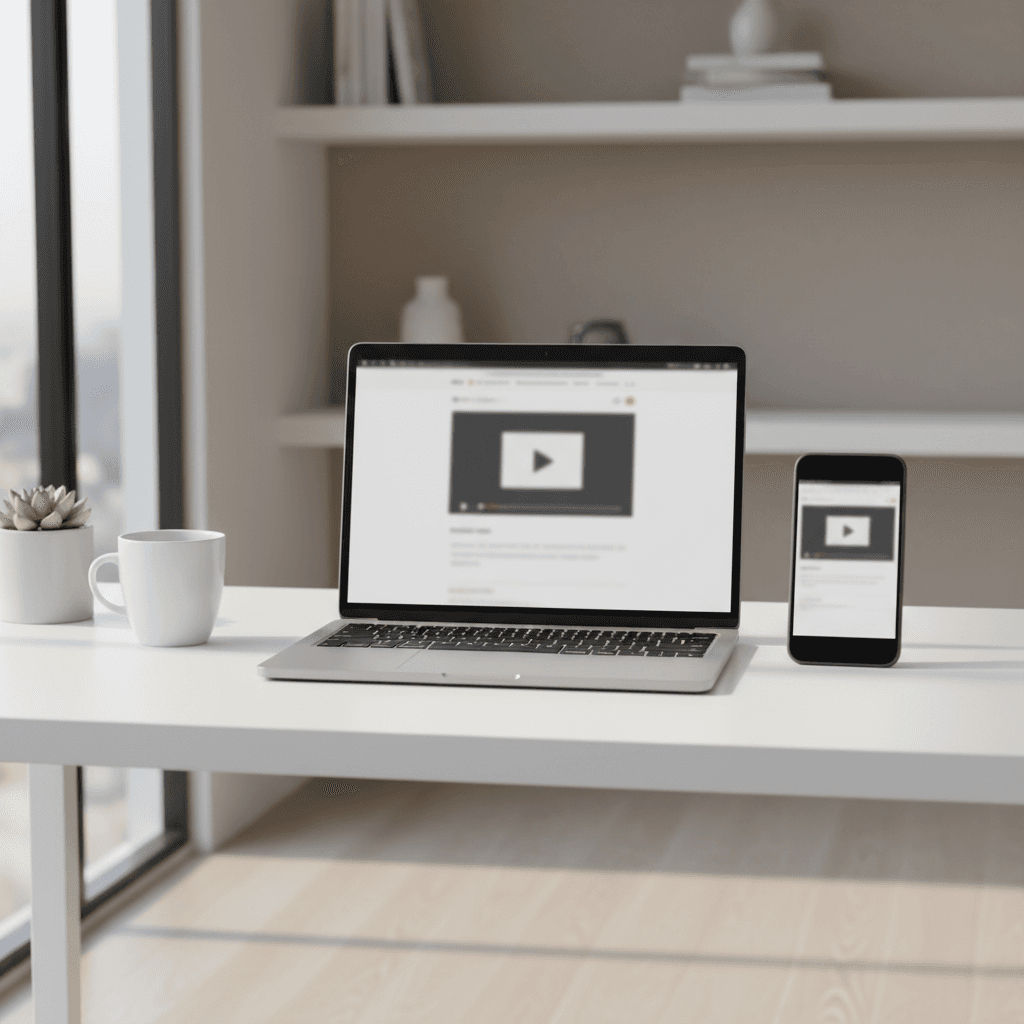
A YouTube embed is an iframe that loads a video player on your page. Implemented well, it boosts topical authority, engagement, and rich results. Implemented poorly, it slows pages and hurts Core Web Vitals. The win is fast loading, clean metadata, and intentional placement near relevant copy.
In practice, a video embed turns a static article into a mixed-media answer. That matters for search: when readers watch 30–90 seconds and continue scrolling, you often see stronger session depth, more internal link clicks, and better conversion actions (form fills or calls). UpliftAI’s publishing flow pairs each relevant post with a short clip, structured data, and interlinking to keep readers moving.
Core elements of an SEO-friendly embed#
- Placement: above the fold or just after the intro for maximum visibility.
- Context: a 1–2 sentence lead-in explaining why the clip matters.
- Performance: lazy-loading or a lightweight “poster” thumbnail that defers the heavy player until interaction.
- Metadata: VideoObject markup with name, description, thumbnailUrl, uploadDate, and duration.
- Accessibility: captions, transcript, and clear controls.
When these pieces align, your page can qualify for rich results and gives AI systems a precise, scannable unit to cite.
Why Video Embeds Matter for Rankings and Reach#
Video embeds matter because they increase engagement signals, unlock video-rich results, and earn more AI citations. Pages that load quickly and explain topics with short, relevant videos tend to retain users longer and convert more often.
We look at the impact through three lenses: user experience, search features, and topical authority.
User experience signals#
- Dwell time: A 45–90 second clip can add measurable on-page time without bloating the page if you defer the player.
- Scannability: Bulleted summaries below the video help skimmers decide to watch; this complements multi-intent reading patterns.
- Core Web Vitals: Target LCP ≤ 2.5s, CLS < 0.1, and INP < 200ms. Lightweight embeds help you meet these thresholds.
Search features and surfaces#
- Rich results: VideoObject schema + timestamps (chapters) can unlock key moments and video thumbnails in SERPs.
- Blended discovery: Your clip can surface on YouTube, Google Video, and the embedded page, yielding multiple entry points.
- AI answers: Clear transcripts and concise descriptions make it easier for assistants to cite your page and not just the video URL.
Topical authority compounding#
- Cluster reinforcement: Embed the right clip in the right cluster page, then interlink to 2–3 support pieces.
- Entity clarity: Repeating the product, service, or place names in captions and transcripts tightens entity associations.
- Trust: Real-world footage, storefront tours or field work, raises credibility for local buyers.
In our experience working with local service teams, the best gains arrive when the video answers a single, high-intent question in under three minutes and the page keeps its Web Vitals in the “good” range after publishing.
How YouTube Embeds Work Technically#
A standard YouTube iframe loads multiple requests for the player, thumbnails, and tracking. Optimized setups defer these requests with lazy loading or a lightweight “poster” until the user interacts. Add VideoObject markup so crawlers understand title, description, duration, and thumbnails.
Here’s the simplified flow when you paste a default iframe:
- The browser parses the iframe, queues network requests to YouTube domains, and executes JavaScript for the player UI.
- Images (thumbnails) and CSS load, painting the poster frame. Additional scripts register event listeners for play/pause.
- When a user clicks, media streams begin; more requests fetch adaptive bitrates and controls.
Unoptimized, those extra scripts can inflate JavaScript execution and push LCP over 2.5 seconds on mobile. The fix is simple: replace the immediate iframe with a clickable poster image and load the player on demand. Use the privacy-enhanced domain when you need to minimize tracking before interaction.

Performance checklist#
- Lazy iframes: Add loading="lazy" and a width/height that reserves space to prevent CLS.
- Poster-first pattern: Use a static image button; inject the iframe only on click to reduce JS cost.
- Defer non-critical scripts: Keep render-blocking JS to a minimum on pages with videos.
- Measure: Test LCP, CLS, and INP before and after; roll back if metrics regress.
Technically correct and fast embeds are the foundation for everything else in this guide.
Types of Video Embeds and When to Use Each#
Choose embed types based on goals: standard YouTube for ease, privacy-enhanced for compliance, lightweight patterns for speed, self-hosting for control, and third‑party CDNs for scale. Match your choice to performance, analytics, and content rights needs.
Use this quick comparison to select an approach.
| Approach | Pros | Cons | Best for |
|---|---|---|---|
| Standard YouTube iframe | Fast to implement; wide device support | Heavier scripts; potential tracking cookies | Most guides and blogs |
| Privacy-enhanced (youtube-nocookie) | Reduces tracking until play | Still loads player resources on interaction | Compliance-conscious teams |
| Light “poster” + lazy iframe | Minimal JS until click; better INP | Requires extra markup/components | Performance-focused sites |
| Self-hosted MP4 + HTML5 | Full control; no third-party scripts | Bandwidth/storage; fewer discovery surfaces | Short demos; gated content |
| Video CDN platforms | Adaptive bitrate; analytics; edge delivery | Platform lock-in; custom workflows | Large catalogs; OTT-like needs |
Decision cues#
- Discovery vs control: If you want maximum surfaces, use YouTube. If you need strict brand control, consider self-hosting.
- Speed targets: If mobile LCP is close to 2.5s already, use a lite embed to stay in the safe zone.
- Compliance posture: Use privacy-enhanced domains and clear consent flows where relevant.
Best Practices for YouTube Embeds in 2026#
Embed with intent. Keep videos short, topical, and above the fold on relevant pages. Use lazy-loading, a lightweight preview, and VideoObject schema. Target Core Web Vitals (LCP ≤ 2.5s, CLS < 0.1, INP < 200ms). Add captions, timestamps, and internal links that reinforce your topic cluster.
Below are the practices we implement inside UpliftAI’s automated publishing pipeline.
Content and placement#
- Lead with the video or place it after a 2–3 sentence intro; keep key clips under 3 minutes.
- Write a 100–150 character setup line that states the takeaway (“Watch us remove carpet stains in three steps”).
- Add a 3–5 bullet recap under the player so skimmers still get value.
Performance and UX#
- Use a poster-first, lazy iframe pattern to reduce JS by hundreds of kilobytes on initial load.
- Set width and height to reserve space; test CLS events with throttled CPU and network.
- Prefer 16:9 landscape; vertical 9:16 works well on mobile landing sections when designed intentionally.
Metadata and structure#
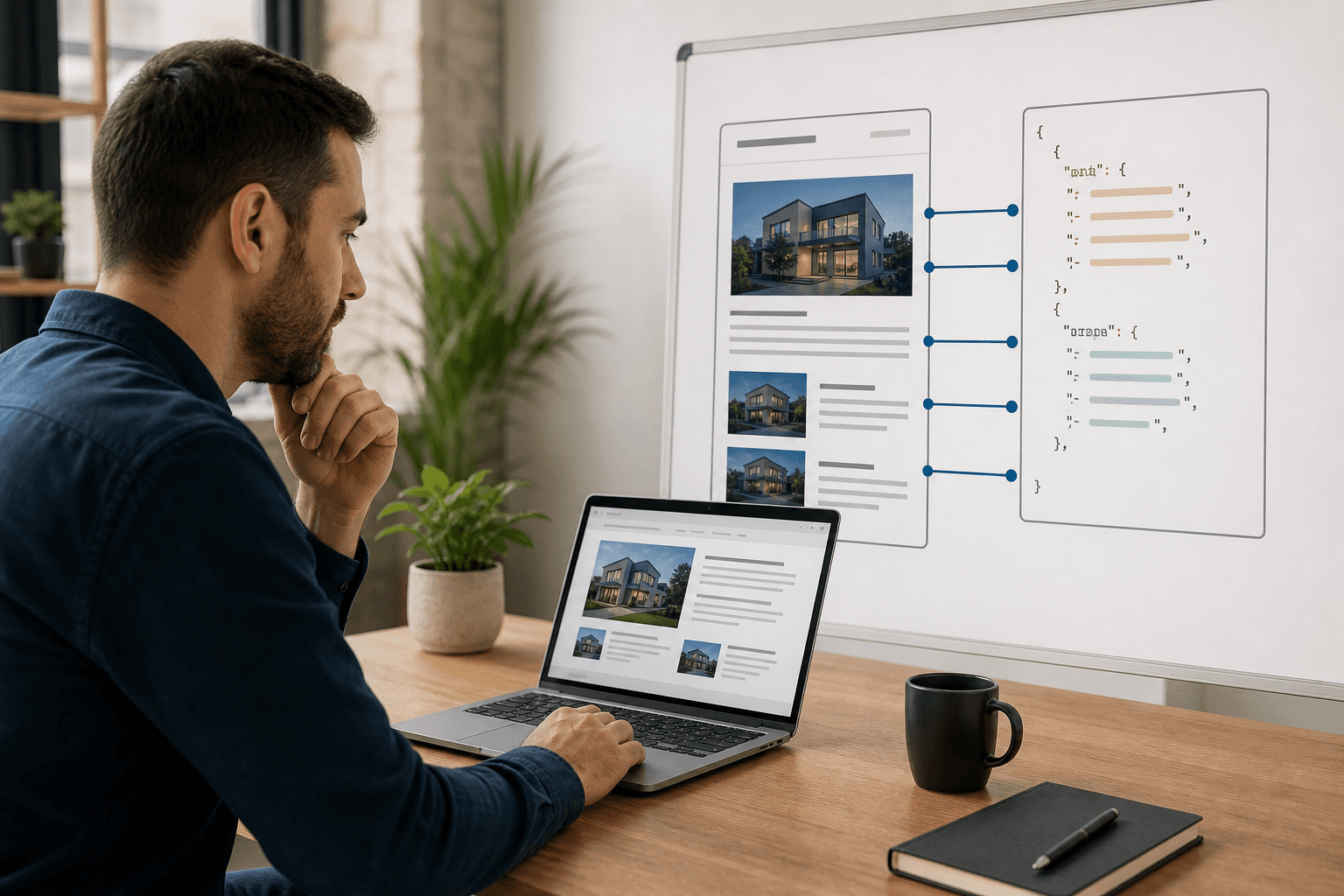
- Include VideoObject JSON-LD with name, description, thumbnailUrl, uploadDate, duration, and embedUrl.
- Use timestamps (00:15, 01:10) in the description; mirror them as on-page anchors for scannability.
- Write captions and a short transcript; this adds indexable context and accessibility value.
Internal linking and clusters#
- Link from the video section to 2–3 related posts plus one service page; do the same in reverse on those pages.
- Connect to your content hub, see our evolving insights on the UpliftAI blog.
- Automate this with UpliftAI’s Multi‑Agent SEO Brain and internal linking engine.
Local considerations for your area#
- Use neighborhood or city terms in the video title and on-page copy to support local discovery alongside your Google Business Profile activity.
- Publish seasonally relevant clips (spring cleanup, holiday bookings, back-to-school) to match local demand spikes.
- Show local proof, storefront walk-throughs, field footage, or venue tours, to earn trust and improve conversion from organic traffic.
Implementation Steps: Add SEO-Friendly YouTube Embeds#
Follow a five-step flow: choose the right video, place it high on the page, use a lightweight embed, add VideoObject schema, then test Web Vitals. Finish by linking to related pages to distribute authority and improve crawl paths.
- Select the clip and intent: One question per video. Aim for 60–180 seconds.
- Position and summarize: Add a heading, a 100–150 character intro, and a 3–5 bullet recap below.
- Make it fast: Use a poster image and lazy-load the iframe; prefer privacy-enhanced mode when needed.
- Mark it up: Add VideoObject JSON-LD with accurate metadata and timestamps for key moments.
- Measure and link: Audit LCP/INP/CLS after publishing; add 3–4 internal links around the section.
Example: a lazy iframe with a preview image.
<div class="video">
  <button class="video-poster" aria-label="Play video">
    <img src="preview.jpg" alt="Service demo preview" width="1280" height="720" />
  </button>
  <iframe src="https://www.youtube-nocookie.com/embed/VIDEO_ID" title="Product demo"
          loading="lazy" width="560" height="315"
          allow="accelerometer; autoplay; clipboard-write; encrypted-media; gyroscope; picture-in-picture; web-share"
          allowfullscreen></iframe>
</div>
Add essential VideoObject properties (sample keys below; replace with real values).
{
  "@context": "https://schema.org",
  "@type": "VideoObject",
  "name": "How to clean carpets professionally",
  "description": "Step-by-step demo from our team.",
  "thumbnailUrl": ["https://example.com/thumb.jpg"],
  "uploadDate": "2026-03-01T12:00:00+00:00",
  "duration": "PT3M12S",
  "contentUrl": "https://example.com/video.mp4",
  "embedUrl": "https://www.youtube-nocookie.com/embed/VIDEO_ID"
}
Want this automated? UpliftAI researches topics, embeds the right clips, adds schema, and publishes to your CMS, hands-free.
Tools and Resources#
Use battle-tested guidance and operationalize it with automation. Pair reliable references with UpliftAI’s publishing, internal linking, topic clusters, and AI Citation Optimization so your videos get surfaced by both Google and AI assistants.
Helpful resources and how to use them in practice:
- Plan mobile-friendly creative using this video strategy template from Shopify to structure hooks, length, and calls-to-action.
- Track social shifts, see how vertical video is being pushed across platforms, then repurpose short clips into on-page embeds.
- Refresh evergreen on-page fundamentals with this SEO trends overview to align video with search intent and internal linking.
Operationally, UpliftAI handles the grind: topic clustering, internal linking, Search Console–driven ideas, and automated publishing into WordPress, Webflow, Shopify, or Framer.
Case Studies and Examples#
Short, topical videos paired with optimized embeds lift engagement and organic reach. Local service brands see the biggest gains when videos match search intent, load fast, and reinforce a clear topic cluster with internal links and schema.
Here are 13 practical mini-scenarios based on UpliftAI’s core industries and workflows.
- Food service: A 60-second kitchen tour shows hygiene and process. Bullet recap links to the menu and catering pages; captions add ingredient terms.
- Commercial cleaning: A 2-minute office carpet restoration time-lapse. VideoObject duration clarifies scope; interlinks route to scheduling and stain treatment guides.
- Landscaping: A spring lawn aeration demo with three tips at 00:15, 00:45, and 01:20. Lite embed protects INP during seasonal spikes.
- Real estate: A walk-through highlighting storage, light, and layout. Chapters map to on-page anchors; a transcript includes neighborhood descriptors.
- Event venues: A 30-second montage of configurations. Internal links point to availability and FAQ; captions list capacity ranges and amenities.
- Home services: A water heater pilot relight in 90 seconds. A step list sits under the player; related posts cover maintenance schedules.
- Retail: A new-arrival unboxing filmed vertically for social but embedded landscape on the blog. Schema improves discovery; ALT text reinforces entities.
- Health & wellness: A trainer demos a three-move routine; timestamps label each exercise. Internal links build the topic cluster (warm-ups, cool-downs).
- Education: A micro-lesson series embedded in a syllabus page. Playlist embeds keep students on-site; captions aid accessibility.
- B2B SaaS: A 2-minute feature walkthrough reduces bounce on docs. Poster-first embeds keep LCP under 2.5s.
- Nonprofits: A donor story montage; captions enable silent autoplay scenarios. Links route to volunteer and newsletter pages.
- Hospitality: A room tour with three scene cuts. Local terms in titles help map pack conversions from the location page.
- Automotive: A brake inspection explainer; the transcript includes torque and safety notes. Schema clarifies upload date and duration.
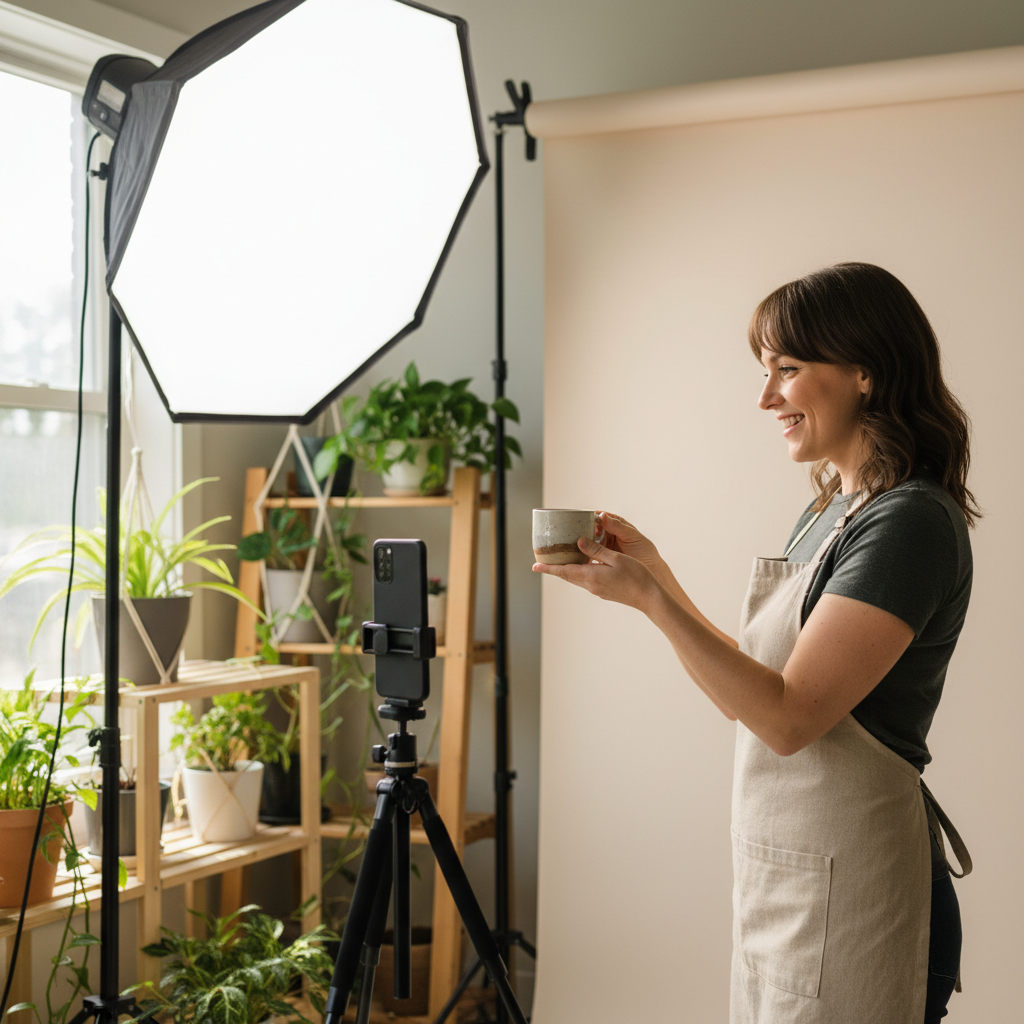
Want examples tailored to your niche? Browse our UpliftAI case studies and see how automated embedding and internal linking compound over time.
Need hands-free implementation? UpliftAI researches topics, generates scripts and posts, embeds videos, adds schema, and publishes to your CMS while maintaining internal links and monitoring Web Vitals. Get started in minutes.
Frequently Asked Questions#
YouTube embeds help SEO when they improve UX and clarity without harming speed. Optimize loading, add VideoObject schema, and pair videos with strong copy. Keep LCP ≤ 2.5s, CLS < 0.1, and INP < 200ms to protect rankings and conversions.
Do YouTube embeds help SEO directly?#
They help indirectly by improving engagement and enabling video-rich results. The lift comes from better UX signals, clearer topical coverage, and more discovery surfaces for your content.
Will embedding slow down my page?#
It can if you paste a default iframe without lazy loading. A poster-first, privacy-enhanced embed pattern defers scripts until interaction and usually protects Core Web Vitals on mobile.
Should I self-host or use YouTube?#
YouTube maximizes discovery and is easier to implement. Self-hosting gives control and removes third‑party scripts, but you lose the network effects. Many SMBs mix both depending on page goals.
Do I need VideoObject schema?#
Yes, metadata like name, description, thumbnailUrl, uploadDate, and duration helps search engines understand and surface your video. It also supports rich results and key moments.
Where should the video go on the page?#
Place the primary video high on the page with a short intro and a clear heading. Then reinforce the topic with a transcript, a bullet summary, and internal links to related content.
Conclusion#
Treat video as part of your on-page strategy, not an add-on. When embeds are fast, structured, and context-rich, they raise engagement, earn more surfaces in Google, and improve your odds of AI citations, while guiding visitors to take the next step.
Key takeaways#
- Use a poster-first, lazy iframe pattern to protect Web Vitals.
- Add complete VideoObject schema and a short transcript.
- Keep primary clips under 3 minutes and place them high on the page.
- Interlink across your topic cluster to compound authority.
- Automate the workflow with UpliftAI so you publish consistently.
Ready to standardize this across your site? UpliftAI’s Multi‑Agent SEO Brain researches topics, writes posts, embeds videos, adds schema, and publishes to your CMS automatically. Want to see it in action? Visit our homepage or review recent wins in our case studies. If you’re ready, create your account, we’ll handle the rest.