
On this page
- At a Glance
- What Is Event Management SaaS?
- Why Event Management SaaS Matters in 2026
- How Event SaaS Works (End-to-End)
- Key Modules and What to Evaluate
- Feature Comparison: What “Good” Looks Like
- The 7-Step Selection Framework
- Best Practices for Running Events on SaaS
- Tools and Resources to Consider
- Security, Privacy, and Compliance
- Case Examples: How Teams Put This to Work
- Where UpliftAI Fits in Your Event Stack
- Frequently Asked Questions
- Key Takeaways
- Related Articles (Recommended Reading)
- Citations and Notes
Event management SaaS is cloud software that centralizes planning, registration, ticketing, and analytics for conferences, trade shows, and venues. It streamlines repetitive tasks, unifies data, and scales to hybrid or virtual formats. For growth-focused teams, the right platform reduces manual work and increases registrations while improving the attendee experience end to end.
By UpliftAI • Last updated: 2026-06-28
At a Glance#
This guide explains what event management SaaS is, why it matters in 2026, how core modules work, and how to choose a platform. It includes a step-by-step selection framework, best practices, tools, case examples, a comparison table, and a growth playbook showing how UpliftAI automates demand with AI-powered SEO.
- What you’ll learn: definitions, modules, selection steps, and growth tactics
- Who it’s for: venues, associations, B2B marketers, and in-house event teams
- Outcomes: faster planning, fewer tools, unified data, higher registrations
- Extras: a practical checklist, feature table, and mid-article growth toolkit
What Is Event Management SaaS?#
Event management SaaS is subscription-based software that handles planning, promotion, registration, ticketing, on-site check-in, mobile apps, and post-event analytics in one cloud platform. It replaces scattered spreadsheets and point tools with integrated workflows, permissions, and dashboards for organizers, speakers, sponsors, and attendees.
In simple terms, it’s the operating system for your event program. Platforms typically include registration flows, payment processing, agenda builders, badge design, speaker portals, sponsor management, lead capture, and reporting dashboards that surface attendance and engagement.
- Core value: fewer tabs, fewer manual steps, better data integrity.
- Scale: from a 100-person workshop to a multi-track conference.
- Formats: supports in-person, virtual, and hybrid experiences.
- Access: role-based permissions for staff, vendors, and partners.
For marketing-led teams, the platform becomes the source of truth for registrations, attendance, and session engagement. Many tools also expose APIs or native integrations to CRMs and marketing automation, so leads sync automatically. That’s critical when you’re reporting on pipeline impact.
Why Event Management SaaS Matters in 2026#
Adoption matters because attendee expectations rose, hybrid formats persist, and teams must do more with leaner staffing. A unified platform reduces setup time, increases show-up rates through smarter reminders, and provides analytics that feed sales and growth reporting.
Organizers need reliable, scalable systems. Stakeholders expect transparent dashboards, not last-minute spreadsheets. Meanwhile, privacy requirements and email deliverability standards demand consistent, compliant outreach. A modern event SaaS safeguards data while enabling personalization.
- Experience expectations: mobile tickets, QR check-in, and live updates.
- Lean operations: automate tasks like badge printing and session swaps.
- Revenue clarity: track registrations, attendance, and sponsor leads.
- Compliance: honor consent, preferences, and unsubscribes across channels.
Teams that connect their event stack to CRM and analytics get cleaner attribution. That insight improves next-quarter planning and sponsorship packages. And when content from sessions is repurposed into blogs and clips, the event keeps generating organic demand long after doors close.
How Event SaaS Works (End-to-End)#
Event management SaaS centralizes workflows: you configure branding, build registration, integrate payments, publish the agenda, onboard speakers and sponsors, manage check-in, and analyze results. Prebuilt integrations sync contacts and behaviors to your CRM and email tools for follow-up.
Think of the lifecycle in eight steps. Each step removes friction for your team and your attendees while capturing clean data for follow-up.
- Brand setup: logos, colors, domains, and role permissions.
- Registration: forms, ticket types, discount logic, and confirmations.
- Payments: gateways, taxes, refunds, and finance reports.
- Agenda: tracks, rooms, capacity rules, and waitlists.
- Speakers & sponsors: portals for bios, assets, and deliverables.
- On-site: QR badges, kiosks, real-time capacity counts.
- Mobile app: schedules, maps, messaging, and notifications.
- Analytics: registrations, attendance, session dwell, survey data.
When we help event venues and organizers grow demand, we connect this lifecycle to always-on content. UpliftAI’s multi-agent SEO engine publishes SEO-focused blogs and landing pages that align with sessions and tracks, then updates internal links as agendas evolve. Over 1,000 business owners already run this cadence with hands-free publishing.
Key Modules and What to Evaluate#
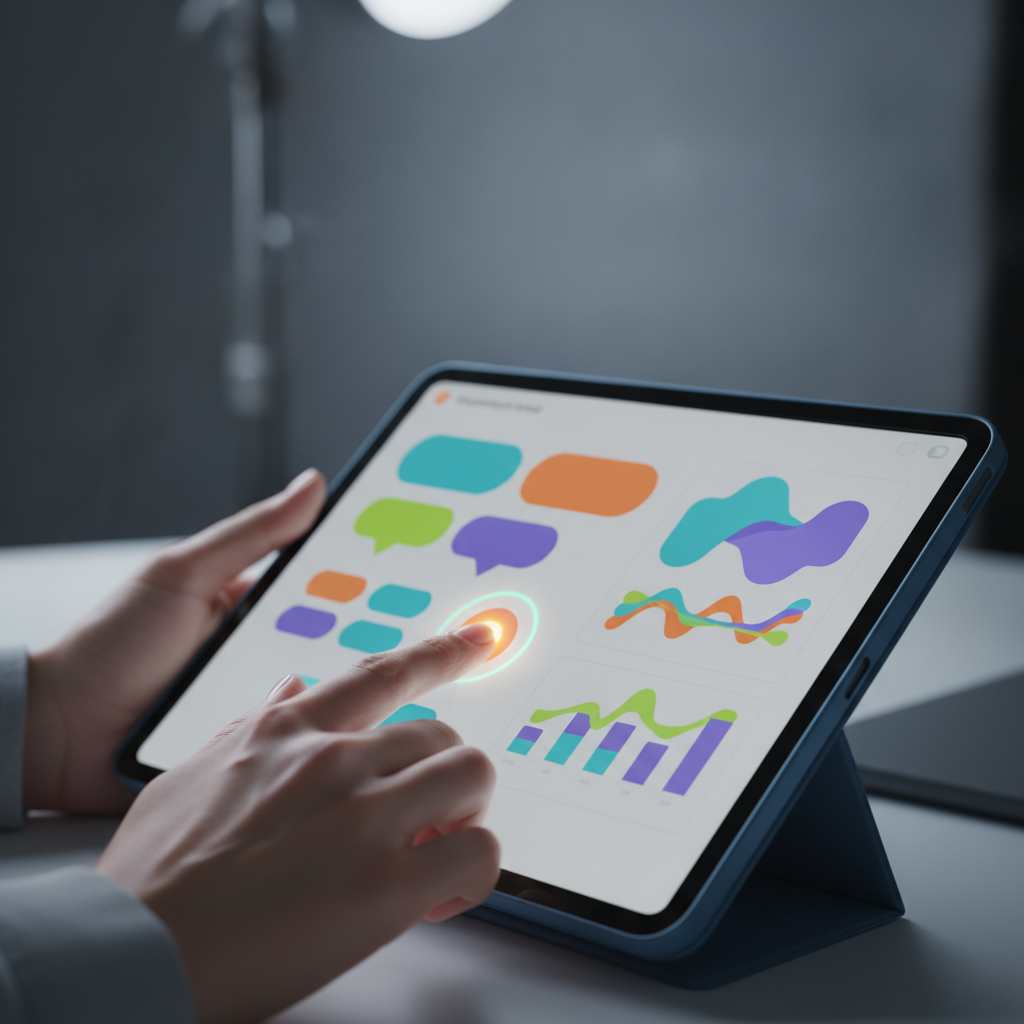
Evaluate modules by how they reduce manual effort and increase conversions: registration UX, payment flexibility, agenda capacity rules, check-in speed, mobile app adoption, sponsor lead capture, and analytics quality. Favor platforms with robust integrations, permissioning, and audit trails.
Registration and Ticketing#
- Conversion-friendly forms: progressive fields, wallet pay, clear errors.
- Ticket logic: group passes, codes, reserved seating, and refunds.
- Comms: transactional emails, SMS reminders, calendar holds.
Small UX tweaks, fewer fields, faster pay, compound into more registrations. Many teams pair this with content that answers objections (parking, agenda value, speakers). We automate those answers as evergreen blog posts and session spotlights.
Agenda and Speaker Management#
- Capacity controls: room limits, waitlists, and conflict rules.
- Self-serve portals: bios, headshots, slides, and session abstracts.
- Changes at scale: global time shifts, room swaps, and notifications.
Your agenda is a living asset. With UpliftAI, agenda themes become keyword clusters. As sessions publish, our internal linking engine connects related posts, boosting topical authority that supports event discovery and sponsor value.
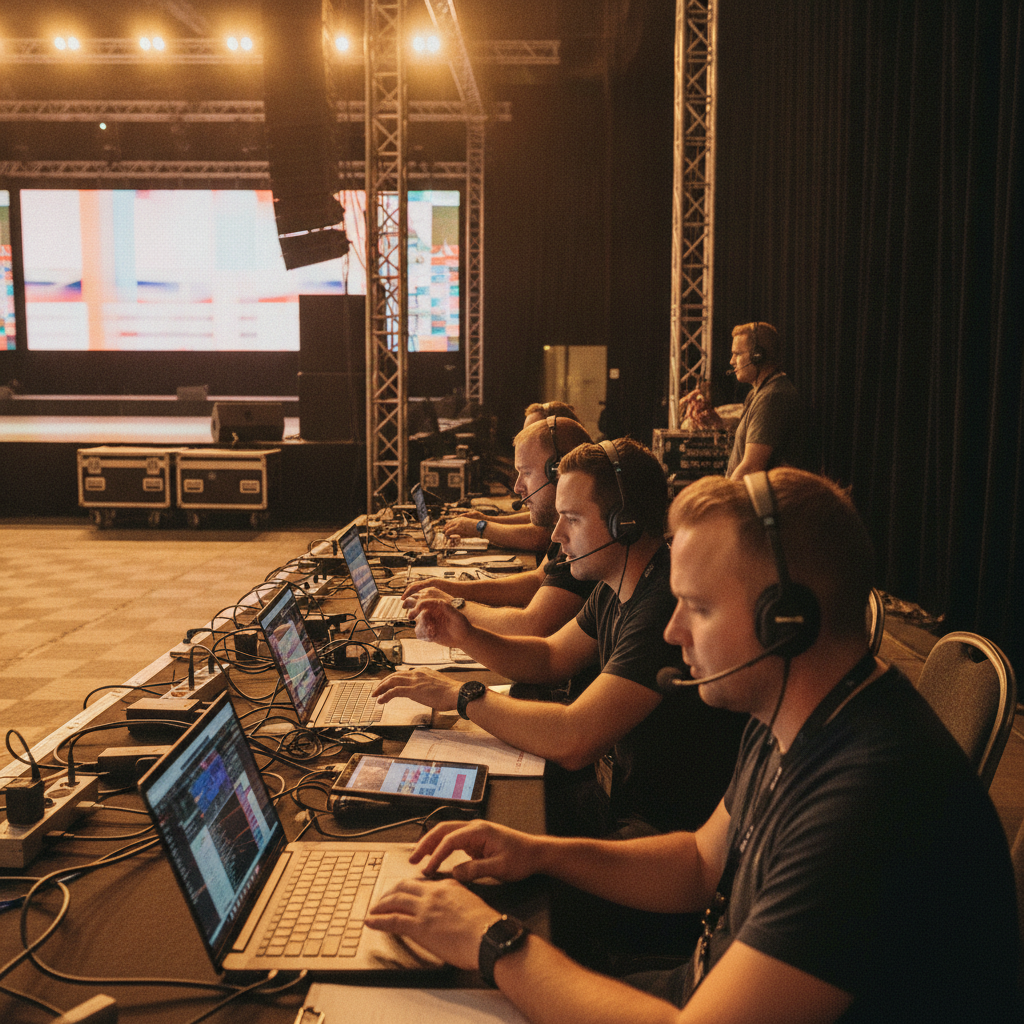
On-Site Operations#
- QR check-in: lines move faster, attendance is accurate.
- Kiosks and badges: self-print options reduce staff load.
- Live dashboards: capacity and dwell time by room.
On-site data isn’t just operational, it’s marketing gold. High dwell equals high-interest topics. Convert those patterns into follow-up content and sales plays. We publish debrief posts within 24–48 hours to capture post-event search demand.
Mobile App and Engagement#
- Personal schedules: add-to-calendar and push notifications.
- Networking: in-app messages and meeting slots.
- Maps and logistics: room finders and live updates.
Adoption hinges on clarity and value. Promote must-have features during registration and in reminders. Post-event, use in-app engagement metrics to inform which blog topics to prioritize for organic traffic growth.
Analytics and Integrations#
- Reports that matter: registrations vs. attendance, no-shows, NPS, survey insights.
- CRM & marketing automation: contact sync, campaign members, lead status.
- Attribution: UTM hygiene, goal tracking, and source reporting.
We integrate with Google Search Console data to map search queries to agenda themes. That lets event teams double down on topics that pull organic demand and refine next quarter’s plan. It’s the same data-driven approach we describe on our Multi‑Agent SEO Brain page.
Feature Comparison: What “Good” Looks Like#
Use this table to evaluate platforms. Favor systems with flexible registration logic, real-time check-in, strong analytics, and direct CRM sync. The best event SaaS lets you configure without engineering help and surfaces actionable insights that improve next-event planning.
| Capability | Baseline | Better | Best-in-Class |
|---|---|---|---|
| Registration UX | Basic forms | Wallet pay + codes | A/B tests, abandoned cart recovery |
| Payments | Single gateway | Multiple gateways | Multi-currency, tax rules, refunds |
| Agenda Controls | Static schedule | Capacity + waitlists | Conflict detection, rules engine |
| On-Site | Manual check-in | QR scanning | Self-serve kiosks, live dashboards |
| Mobile App | Web schedule | Native app | Push, maps, networking, surveys |
| Integrations | CSV exports | CRM connector | Two-way sync, webhooks, API |
| Analytics | Attendance counts | Segmented reports | Attribution + cohort analysis |
As you compare options, document must-haves, nice-to-haves, and compliance needs. Then score vendors against this matrix. We provide a similar scoring framework for SEO initiatives on our case studies page, clear criteria accelerates buying decisions.
The 7-Step Selection Framework#
Choose event management SaaS by mapping goals, listing requirements, shortlisting vendors, running demos, piloting one event, validating integrations, and negotiating rollout plans. Document risks, owners, and timelines so adoption is smooth for all stakeholders.
- Clarify goals: registrations, revenue, satisfaction, and sponsor value.
- Gather requirements: features, roles, security, and reporting.
- Shortlist vendors: match must-haves to 3–5 candidates.
- Demo and score: use the comparison matrix with weighted criteria.
- Pilot: run one event to test check-in, refunds, and reports.
- Integrate: connect CRM, email, analytics, and webhooks.
- Roll out: train staff, document SOPs, and set KPIs.
In our experience, the biggest success factor is stakeholder alignment. Define who owns data, who owns comms, and who signs off reporting. Then adopt a “content twin” strategy: for every agenda theme, publish a supporting post. Our blog shows how cadence compounds discoverability.
Best Practices for Running Events on SaaS#
Standardize templates, automate reminders, enforce data hygiene, and connect the stack to sales. Use content to answer objections early and to extend post-event reach. Measure registrations, show rates, and session engagement to iterate every quarter.
- Template once, reuse often: registration pages, agendas, badges, and emails.
- Automated comms: confirmations, reminders, calendar holds, and FAQs.
- Data governance: field standards, consent tracking, unsubscribes.
- SEO flywheel: pre-event teasers, speaker spotlights, and recaps.
- Sales alignment: MQL definitions, SLAs, and feedback loops.
We’ve found that a simple weekly content rhythm drives reliable discovery. UpliftAI’s automation writes, optimizes, and publishes on schedule, then updates internal links as new posts go live. That’s how small teams maintain momentum without adding headcount.
Tools and Resources to Consider#
Build your stack around one event platform plus a few enablement tools: CRM, email automation, analytics, and an SEO execution engine. Prioritize native integrations and permission controls so teams can work quickly without security risk.
- Event platform: registration, agenda, check-in, mobile, analytics.
- CRM: account context and pipeline attribution.
- Email automation: nurture tracks and transactional messages.
- Analytics: funnels, cohorts, landing-page performance.
- SEO execution: our UpliftAI platform automates keyword research, topic clusters, writing, optimization, and publishing.
- Internal linking: UpliftAI’s engine maintains site structure as your library grows.
- Backlinks: UpliftAI’s automated network grows authority over time.
If your event program depends on organic discovery, pair the event stack with AI search optimization. Our automation overview explains how we align content with agenda themes to attract qualified attendees.
- Map sessions to keyword clusters and search intent.
- Publish landing pages for tracks, speakers, and sponsors.
- Interlink all session pages; add speakable snippets for voice results.
- Post daily recaps and clip highlights; embed relevant videos.
- Keep your Google Business Profile active with event posts.
Want it done for you? See how our Multi‑Agent SEO Brain executes this playbook automatically.
Security, Privacy, and Compliance#
Treat attendee data as sensitive. Choose platforms with encryption in transit and at rest, robust access controls, audit logs, consent and preference management, and reliable email/SMS opt-out handling. Build SOPs for data retention and incident response.
- Access control: least-privilege roles, SSO, and MFA.
- Data protection: encryption, backups, and deletion workflows.
- Consent management: clear opt-in, preference centers, audit trails.
- Deliverability: verified domains, sender reputation, and DMARC.
Compliance isn’t a checkbox, it’s an ongoing practice. Document who can export data, how unsubscribes propagate, and where logs live. Centralize workflows in your event SaaS so consent and communication history remain consistent.
Case Examples: How Teams Put This to Work#
The best implementations pair an event platform with a content engine that fuels discovery. We’ve seen venues and B2B teams increase registrations by unifying systems and publishing consistent, helpful content tied to agenda themes and attendee questions.
- Venue with seasonal conferences: standardized templates, automated reminders, and a “content twin” for each session. Our internal linking engine connected themes site-wide, improving topical authority and discoverability.
- Association running hybrid events: QR check-in data informed post-event spotlights. We published recaps and FAQs within 48 hours, capturing search demand from attendees and those who missed live sessions.
- B2B product showcase: sponsor deliverables centralized in one portal. We aligned session topics to keyword clusters and used automated backlink building to expand reach ahead of registration deadlines.
These outcomes are repeatable because the underlying playbook is consistent: one integrated event system paired with AI-powered SEO that runs in the background, research, writing, optimization, publishing, internal linking, and backlinks on autopilot.
Where UpliftAI Fits in Your Event Stack#
UpliftAI isn’t event software, it’s the SEO execution engine that fills your pipeline with organic demand. Our multi-agent system researches, writes, optimizes, and publishes content that maps to your event themes and keeps your site interlinked and authoritative.
- Multi-Agent SEO Brain: Researcher → Strategist → Writer → Optimizer → Publisher.
- AI search visibility: content tailored for Google and AI assistants.
- Internal linking engine: maintains your site’s structure at scale.
- Automated backlinks: builds authority without manual outreach.
- CMS integrations: WordPress, Webflow, Shopify, and Framer.
If you manage multiple events, cadence matters. Our platform supports 150+ languages and leverages Google Search Console data to steer topics. Explore our customer stories and the SEO automation framework we use to grow traffic and registrations.
Frequently Asked Questions#
These concise answers address common buyer questions about event management SaaS, what it includes, how it integrates, and how to pair it with always-on SEO for sustained demand. Use them as quick checkpoints during vendor evaluations.
What is event management SaaS and what does it replace?#
It’s cloud software that unifies registration, ticketing, agenda planning, on-site check-in, mobile apps, and analytics. It replaces spreadsheets and a patchwork of point tools with integrated workflows, permissions, and reporting so teams collaborate in one system.
How does event SaaS integrate with our CRM and email tools?#
Most platforms offer native connectors, webhooks, or APIs. Contacts and activities sync to your CRM for attribution, while transactional emails and reminders send through verified domains. Confirm field mappings and consent handling before launch.
What’s the best way to boost registrations using content?#
Map sessions to keyword clusters and publish helpful posts that answer likely questions. Interlink these posts to track pages and agendas. UpliftAI automates this, researching, writing, optimizing, publishing, and linking so discovery compounds over time.
How do we measure success after the event?#
Track registrations vs. attendance, show-up rates, session engagement, and post-event content performance. Sync leads to CRM with campaign and source data for pipeline reporting. Use insights to refine agendas and content for the next cycle.
Key Takeaways#
Pick an event platform that reduces manual work and increases conversions, then pair it with an SEO engine that builds demand year-round. Standardize templates, automate communications, and connect data to sales for measurable, repeatable growth.
- Unify the event lifecycle in one SaaS platform.
- Adopt a content twin for every track and session.
- Automate publishing, interlinking, and backlinks with UpliftAI.
- Measure registrations, show rates, and session engagement to iterate.
Related Articles (Recommended Reading)#
Deepen your strategy with practical playbooks on SEO automation and organic growth. These readings complement your event software selection by showing how to sustain demand before, during, and after the show.
- How AI-powered SEO execution supports event-led growth for SMB marketers.
- Designing topic clusters from your conference agenda to improve discoverability.
- Maintaining internal links as your content library scales across seasons.
Citations and Notes#
Explore perspectives on event execution and digital promotion. These resources offer additional context on planning, virtual events, and search visibility trends that complement this guide’s hands-on framework for modern organizers.
For broader context, you can review this overview of event execution practices from an international planner, a virtual events primer that highlights logistics, and a review of SEO trends related to events and content. See: event company guide, insights on launching virtual events, and a brief on SEO in events.
If you want an execution engine that keeps your content, internal links, and backlinks moving while you run the show, explore our UpliftAI platform and get started in minutes.