

On this page
- Quick summary
- Choose the right image for the blog post
- Start with the reader’s question, not the image prompt
- Use a practical prompt framework
- Generate, compare, and improve the first drafts
- Prepare the image for accessibility and search
- Review copyright, privacy, and usage rights
- Fit images into a responsible AI content workflow
- AI-generated blog image quality checklist
- Conclusion: Make every generated image earn its place
AI-generated images can make a blog post clearer, more memorable, and better suited to your brand, but only when they serve a real editorial purpose. A useful visual might explain a process, illustrate a comparison, or give a complex idea visual structure. A generic image added only to fill a featured-image slot contributes much less.
The reliable approach is to start with the reader’s question, decide what the image needs to accomplish, then generate, review, prepare, and approve it as part of the complete article.
Quick summary#

- Choose the image’s job before writing a prompt. Featured images, diagrams, process illustrations, and decorative images solve different problems.
- Use customer questions and content gaps to decide which articles deserve supporting visuals.
- Specify the subject, audience, context, composition, style, brand constraints, format, and exclusions in your prompt.
- Review every draft for factual accuracy, distorted details, misleading representations, accessibility, privacy, and brand fit.
- Add descriptive alt text, a useful file name, suitable placement, and human approval before publishing.
Choose the right image for the blog post#
Identify the visual’s role before opening an AI image tool. The best choice depends on what the reader needs at that point in the article, not on what is easiest to generate.
| Visual type | Best use | Watch out for |
|---|---|---|
| Featured image | Set the topic and create a clear entry point when the post is shared or listed. | Attractive imagery that does not signal the article’s subject. |
| Explanatory illustration | Make an unfamiliar concept, system, or relationship easier to understand. | Polished metaphors that communicate nothing specific. |
| Process visual | Show stages, options, or a sequence of actions. | Incorrect order, missing steps, or unreadable labels. |
| Chart or diagram | Organize comparisons, categories, or factual relationships. | Invented data, inaccurate proportions, and text errors. |
| Decorative image | Break up a long page or establish mood. | Visual noise or an imagined scene presented as real. |
A featured image may be enough for a short opinion post, while a how-to guide may benefit more from a process illustration or diagram. If the image cannot help readers understand, navigate, or remember the content, leave it out.
Start with the reader’s question, not the image prompt#

Image creation should follow content planning. Determine what the article answers, which part is hardest to understand, and whether a visual can reinforce that need. UpliftAI describes using content gaps and customer questions to identify topics that deserve new pages or supporting content. The same principle can guide visual selection.
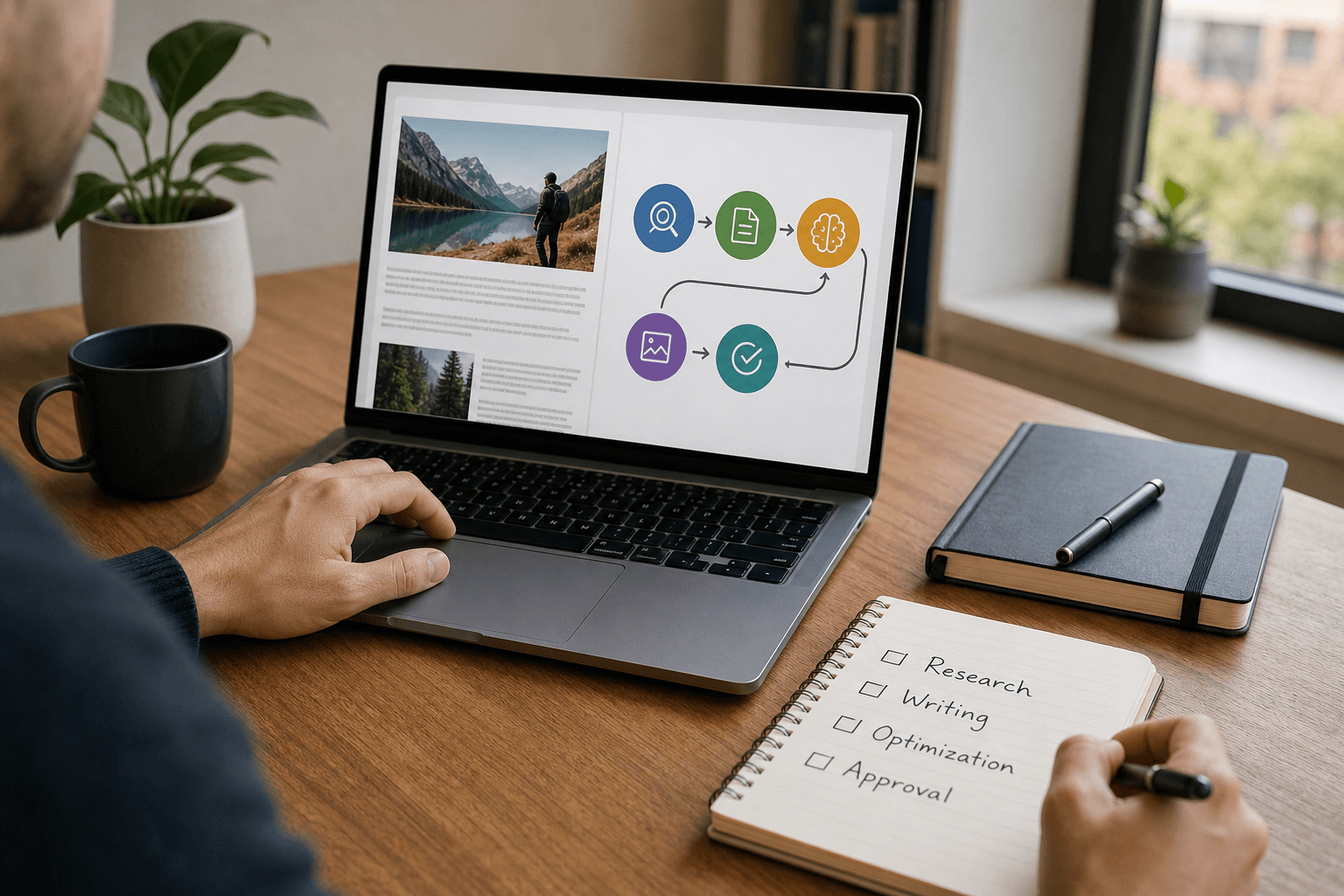
For example, an article answering “How does automated SEO publishing work?” might need a workflow illustration showing research, writing, review, and publishing. A generic robot typing on a laptop suggests “AI” but does not explain the process.
Ask three questions before generating anything:
- What decision or task is the reader trying to complete?
- Which paragraph or concept would be easier to understand visually?
- What must the image show accurately, and what should it avoid implying?
Use a practical prompt framework#
A strong prompt gives the image tool editorial direction rather than a vague request for something “professional.” Include:
- Subject: The object, activity, person, or relationship that should appear.
- Audience and context: Who is viewing it and where it belongs in the article.
- Composition: Viewpoint, focal point, spacing, background, and room for surrounding page text.
- Visual style: Such as a restrained editorial illustration, realistic product scene, or diagram.
- Brand constraints: Approved colors, tone, setting, clothing, or materials.
- Format: Wide featured image, vertical illustration, or in-line visual.
- Exclusions: Illegible text, invented logos, extra objects, distorted anatomy, unsafe actions, or unverified claims.
A weak prompt says, “Create a professional AI SEO image.” A better prompt says: “Create a clean editorial illustration for a small-business blog explaining an SEO content workflow. Show five connected stages: research, strategy, writing, optimization, and human approval before publishing. Use a calm blue and green palette, an uncluttered composition, no logos, no readable text inside the image, and no futuristic robots.”
When labels are essential, create them as HTML or design elements outside the generated image. Generate several concepts, compare them against the article’s purpose, and refine the strongest direction.
Generate, compare, and improve the first drafts#
The first output is a draft, not a finished asset. Inspect it at full size and in the page layout where readers will see it. Look for distorted hands, faces, tools, screens, products, logos, signs, shadows, reflections, and text that do not make sense.
Common failures include unreadable lettering, impossible perspectives, inaccurate product features, culturally misleading scenes, and imagery that presents an invented situation as a real customer experience. A generated chart can contain plausible-looking but false information. Verify every visual claim independently and remove the image if it cannot be made accurate.
- Would a reader understand the article’s topic from this image?
- Does it clarify something, or is it merely attractive?
- Does it accurately represent the business, product, process, or situation?
- Does it fit the brand without copying another company’s identity?
- Could a reader mistake an imagined scene, person, result, or statistic for a real one?
Regenerate when correction is more reliable than editing. For important visuals, a human designer or editor should make final adjustments, especially when the image includes diagrams, brand assets, people, or factual claims.
Prepare the image for accessibility and search#
Give the file a concise, descriptive name such as seo-content-workflow-review-process.webp, rather than a generated identifier. Use an appropriate file type and compress it enough to avoid unnecessary page weight while preserving useful detail.
Write alt text for someone who cannot see the image. Describe its useful content and purpose, not the fact that it was made with AI. For the workflow illustration above: “Five-stage SEO content workflow from research and strategy through writing, optimization, and human approval.” If the image is purely decorative, an empty alt attribute may be more appropriate.
Place the image beside the section it supports. Add a caption when readers need context, attribution, or clarification that the scene is illustrative. Never put essential instructions, data, or warnings only inside an image. Descriptive names, alt text, sensible placement, and captions improve communication and accessibility, but they do not guarantee rankings.
Review copyright, privacy, and usage rights#
Rights questions depend on the country, tool terms, source material, and amount of human creative work shaping the final asset. Review the service’s rules before publishing, particularly for commercial work, recognizable brands, uploaded reference images, and generated likenesses of real people.
For U.S. guidance, the Copyright Office explains that generative-AI outputs may receive copyright protection where a human determines sufficient expressive elements, while prompts alone may not be enough. Read its Copyright and Artificial Intelligence materials and its copyrightability guidance. Businesses elsewhere should check the law applicable to their jurisdiction.
Also check for private information, recognizable people who did not consent, protected logos, or product representations that could mislead customers. Keep a record of the tool, prompt, reference materials, edits, and approval decision when the visual is important.
Fit images into a responsible AI content workflow#
Image generation works best as one step in a broader editorial process. A practical AI content workflow can connect topic planning, drafting, editing, fact-checking, image creation, metadata, and approval.
- Plan the article: Define the reader’s question, search intent, and key claim.
- Choose the visual role: Decide whether the post needs a featured image, explanation, process visual, chart, or no image.
- Write and refine the prompt: Include subject, context, composition, style, brand constraints, and exclusions.
- Generate and compare: Review multiple drafts against the article.
- Edit and fact-check: Correct visual errors and verify claims.
- Prepare the asset: Add the file name, alt text, caption if useful, placement, and compression.
- Approve the complete page: Check the image and copy together before publishing.
Automation can make this sequence repeatable, but editorial control remains important. A publishing workflow that waits for human approval offers efficiency without removing review.
AI-generated blog image quality checklist#
- Purpose: Does the image help readers understand, navigate, or remember the article?
- Relevance: Does it match the specific topic and section?
- Accuracy: Are products, processes, people, labels, and claims represented correctly?
- Quality: Are there artifacts, awkward cropping, or unreadable text?
- Brand fit: Does it avoid invented logos, credentials, results, or customer scenes?
- Accessibility: Is the useful information available through alt text or surrounding copy?
- Privacy and rights: Have people, brands, reference assets, tool terms, and local legal issues been reviewed?
- Technical preparation: Does the file have a meaningful name, suitable compression, and sensible placement?
- Human approval: Has someone reviewed the finished article and image together?
These checks also protect against low-value scaled content. Guidance on AI-generated content and SEO distinguishes using AI from publishing unoriginal, unhelpful material at scale. The same people-first standard applies to visuals: the image should earn its place by helping the reader.
Conclusion: Make every generated image earn its place#
AI-generated images for blogs are most useful when they clarify a real idea, support a customer question, or make a process easier to follow. They are less useful when they are generic decoration, contain unverified details, or replace information that should exist as accessible text.
Start with one high-value article. Choose the visual’s purpose, write a structured prompt, compare drafts, check accuracy and rights, prepare the file carefully, and approve the complete page before publishing.
For businesses that want to connect topic planning, AI content generation, optimization, image support, and publishing in one SEO execution workflow, UpliftAI provides an AI-powered platform for that broader process.



