On this page
- What is SEO for lead generation?
- Which keywords bring in leads?
- The pages every lead-generating site needs
- How to turn search visitors into calls and forms
- Google Business Profile: the fastest local lead source
- Real results: local businesses turning rankings into leads
- How to track leads from SEO
- A 90-day SEO lead generation plan
- Common questions
SEO for lead generation means ranking for the searches people make right before they hire someone, then making it easy for them to call, book or fill in a form once they land. For a local business, that usually comes down to four things: a page for every service and area you cover, a strong Google Business Profile, proof such as reviews and photos on every page, and contact options that work on a phone.
This guide is for owners and marketers at local and service businesses, such as cleaners, landscapers, law firms, venues, contractors and clinics, who want search to bring in enquiries rather than just visitors. You'll get the keyword types that produce leads, the pages to build, how to convert visitors, how to track which leads came from search, and real results from businesses that did it.
Key takeaways
- Lead generation SEO targets buying-intent searches, such as service plus city, near me, cost and emergency searches, before broad informational topics.
- Every core service and main service area needs its own page with clear pricing guidance, proof and a call to action.
- Your Google Business Profile drives calls and direction requests directly from search, often before anyone visits your site.
- Small conversion fixes, such as a tap-to-call button and a shorter form, often add more leads than another ranking position.
- Track calls and form fills from organic search, not just traffic, so you know which pages actually bring in work.
What is SEO for lead generation?#
SEO for lead generation is search optimisation measured by enquiries, not rankings or traffic. The goal is to appear when someone is ready to contact a business like yours, then turn that visit into a call, form, booking or quote request. A page that ranks first for a broad topic but never produces a lead is less valuable than a page in third place for a search that brings in two jobs a week.
That shift changes what you work on. Instead of chasing high-volume keywords, you focus on the searches with commercial intent in the areas you serve. Instead of measuring sessions, you measure leads by page. And instead of treating SEO and your website's conversion rate as separate projects, you treat them as one funnel that starts on the search results page and ends in your inbox or on your phone.
Which keywords bring in leads?#
The keywords that bring in leads describe a need and, often, a place. Someone searching commercial cleaning company Mississauga is much closer to hiring than someone searching how to clean office carpets. Start your keyword list with your services, then add locations, urgency words, cost questions and comparison terms. Search Console's Performance report shows which of these you already appear for.
Informational content still has a place. It builds trust, earns links and catches people earlier in their research. But for a business that needs more enquiries this quarter, buying-intent pages come first. Our keyword research tool groups keywords by intent so you can see which ones are worth a page.
- Service plus location: family lawyer Brampton, landscaping Oakville.
- Near me searches: emergency plumber near me, wedding venue near me.
- Cost and price searches: how much does a kitchen renovation cost in Toronto.
- Urgency searches: 24 hour locksmith, same day appliance repair.
- Comparison searches: best catering company for corporate events, top rated cleaners.
- Problem searches that imply a hire: basement flooding cleanup, tree fell on house.
The pages every lead-generating site needs#
Build one strong page for each core service and, where it makes sense, for each main area you serve. A service page should explain what's included, who it's for, how the process works, typical price ranges or what affects price, and what makes you different, with real photos, reviews and a clear way to get in touch. One generic services page listing everything you do rarely ranks for any of them.
Location pages only work when they're genuinely local. Mention neighbourhoods, local projects, travel times, permits or regulations that differ by city, and reviews from customers in that area. Swapping the city name on a template creates thin, near-duplicate pages that Google tends to ignore. If you can't say something specific about a location, cover it on a broader regional page instead. Our local SEO services page explains how we approach this.
- A homepage that states what you do, where, and how to contact you in the first screen.
- One page per core service, with pricing guidance, process, FAQs and proof.
- Location pages for main service areas, each with genuinely local detail.
- A reviews or testimonials page, plus reviews quoted on each service page.
- A project gallery or case studies with real photos and outcomes.
- A contact page with phone, form, hours and service area.
How to turn search visitors into calls and forms#
Most local searches happen on phones, often in a hurry. Put a tap-to-call button and a short form or booking button in the first screen of every service page, and keep them visible as people scroll. Ask only for what you need to respond: name, phone or email, and a short description. Every extra field loses some enquiries.
Then remove reasons to hesitate. Show your service area, typical response time, licences or certifications, reviews with names and dates, and photos of your actual work and team. Answer the common objections, such as price, timing and what happens next, on the page itself. A visitor who has to hunt for answers will usually hit the back button and call a competitor.
- Tap-to-call button and phone number in the header on mobile.
- A short form with three to five fields.
- Clear next step text, such as we'll call you back within two business hours.
- Reviews and project photos next to the form, not hidden on another page.
- Fast loading on mobile, especially for the first screen.
- A thank-you page that confirms what happens next, which also makes tracking easier.
Google Business Profile: the fastest local lead source#
For many local businesses, the Google Business Profile produces more leads than the website, because people call or ask for directions straight from the map results. Choose the most accurate primary category, list every service, keep hours current, add new photos regularly and post updates about offers, projects and events. Every one of those signals helps Google show you for more searches.
Reviews are the other half. Google confirms that review count and rating factor into local ranking, and they're often the deciding factor when someone compares three businesses in the map pack. Ask every satisfied customer, reply to every review and keep your business details identical on your profile, website and directories. Our local SEO page shows how Uplift handles profile posts, review requests and replies.
Real results: local businesses turning rankings into leads#
Here's what this looks like in practice for businesses that use Uplift. Robinhood Cleaners, a commercial cleaning company, grew local traffic by 185% and inquiries by 60% with an AI-powered local SEO strategy, as covered in the Robinhood Cleaners case study. MWG Landscape saw a 175% increase in project inquiries and 120% more service visibility through strategic SEO automation, detailed in the MWG Landscape case study.
Professional services and venues show the same pattern. Vikram Law grew client inquiries by 170% and local rankings by 125%, as the Vikram Law case study explains, while Palacio Event Centre in Mississauga saw 165% more event inquiries and 120% more venue discovery in the Palacio Event Centre case study. HouseUp, in real estate, grew leads by 195%, which you can read about in the HouseUp case study. You'll find more examples on our case studies page, and industry-specific approaches on our industries page.
How to track leads from SEO#
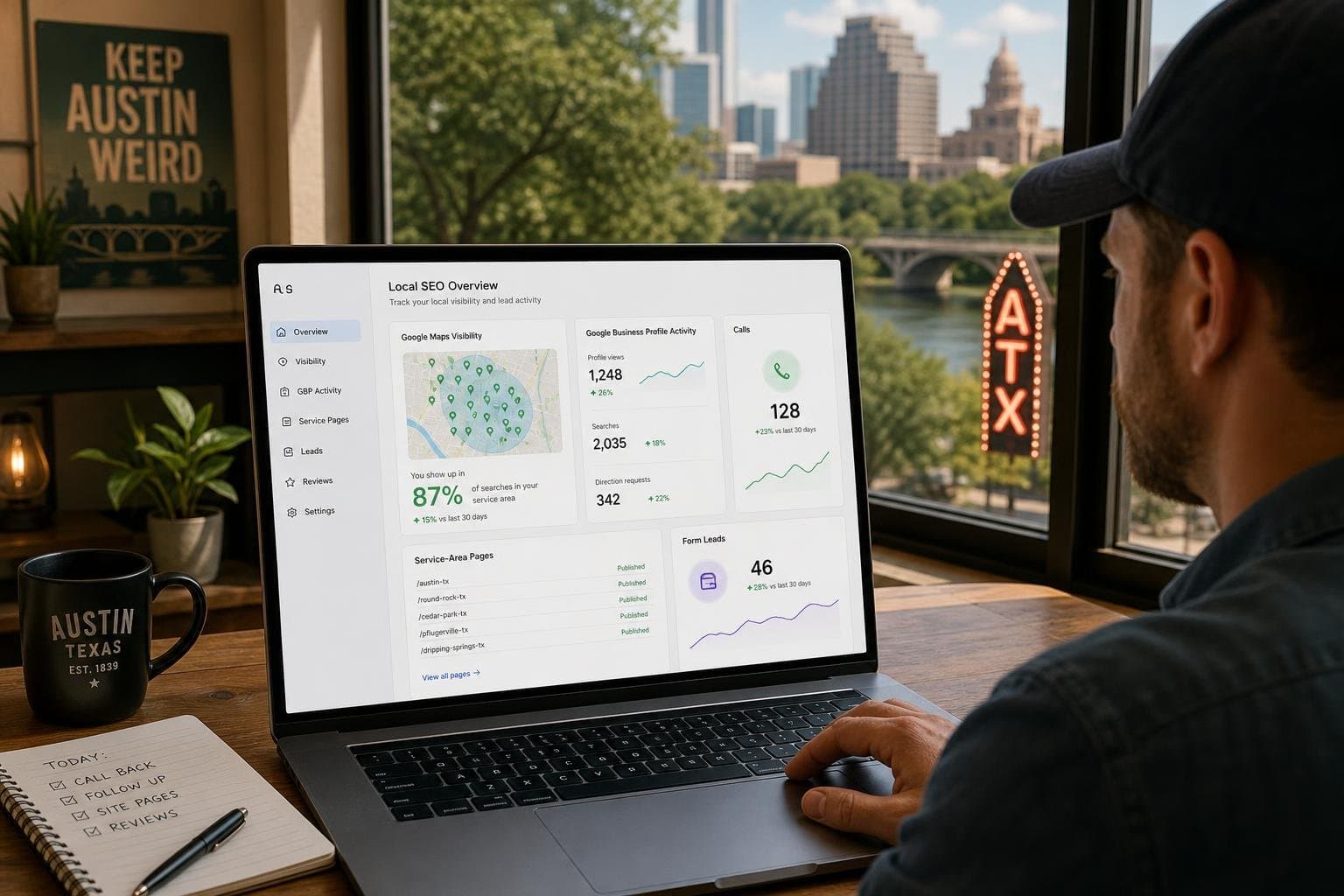
Track leads, not just traffic. Set up conversions in Google Analytics for form submissions, booking completions and clicks on your phone number, and make sure you can filter them by organic search. Your Google Business Profile performance report separately shows calls, direction requests and website clicks from your profile.
For calls, consider call tracking with a dynamic number for organic visitors, which shows how many calls came from search and from which pages. Then review monthly: which pages produce the most enquiries, which bring traffic but no leads, and which buying-intent searches you still don't rank for. Those answers decide next month's work.
- Form submissions and bookings tracked as conversions in analytics.
- Phone number clicks tracked as conversions on mobile.
- Business Profile calls, direction requests and website clicks reviewed monthly.
- Leads per page from organic search, to find your best and weakest pages.
- Lead quality notes from your sales team, since not all enquiries are equal.
A 90-day SEO lead generation plan#
In the first month, fix the foundations: set up conversion tracking, clean up your Google Business Profile, add tap-to-call and short forms to key pages and list your buying-intent keywords. In the second month, build or rebuild your top three service pages and your most important location page. In the third month, start a steady flow of supporting posts that answer cost, comparison and problem questions, each linking to the matching service page, and start a review request routine.
Expect early signs, such as more impressions and profile actions, within the first two months, with lead growth building from there. If you don't have the time to write and publish consistently, Uplift handles the research, writing, publishing and profile work for you. Book a call and we'll look at where your leads are coming from today and what to build first.
Common questions#
Is SEO good for lead generation?
Yes, SEO is one of the most cost-effective lead sources for local and service businesses, because it reaches people at the moment they search for what you offer. Leads build over months rather than days, so many businesses pair SEO with paid ads at first and shift budget as organic enquiries grow.
How long does SEO take to generate leads?
Most local businesses see early signs, such as more impressions and Google Business Profile actions, within one to three months, with steadier lead growth from three to six months. Competitive industries and new websites take longer. Fixing conversion issues on existing pages can bring faster gains.
What is the difference between SEO and lead generation?
SEO is the work of earning visibility in search results. Lead generation is the broader goal of attracting and converting potential customers through any channel. SEO for lead generation focuses SEO work on buying-intent searches and conversion so that visibility turns into enquiries.
Do location pages help with lead generation?
Location pages help when they contain genuinely local content, such as nearby projects, local reviews, travel times and area-specific details. Template pages that only swap the city name are usually treated as thin content and rarely rank or convert. Build fewer, better location pages.
How do I know which leads came from SEO?
Track form submissions, bookings and phone clicks as conversions in your analytics and filter by organic search. Review calls and website clicks in your Google Business Profile performance report. For phone-heavy businesses, call tracking numbers show which calls started from search.